
GTA 6 Weapon Loadout: Weapon Wheel, Trunk and Locker
Manage your GTA 6 weapon loadout with the weapon wheel, personal vehicle trunk and Ammu-Nation locker. Find missing guns and equip the ones you own.
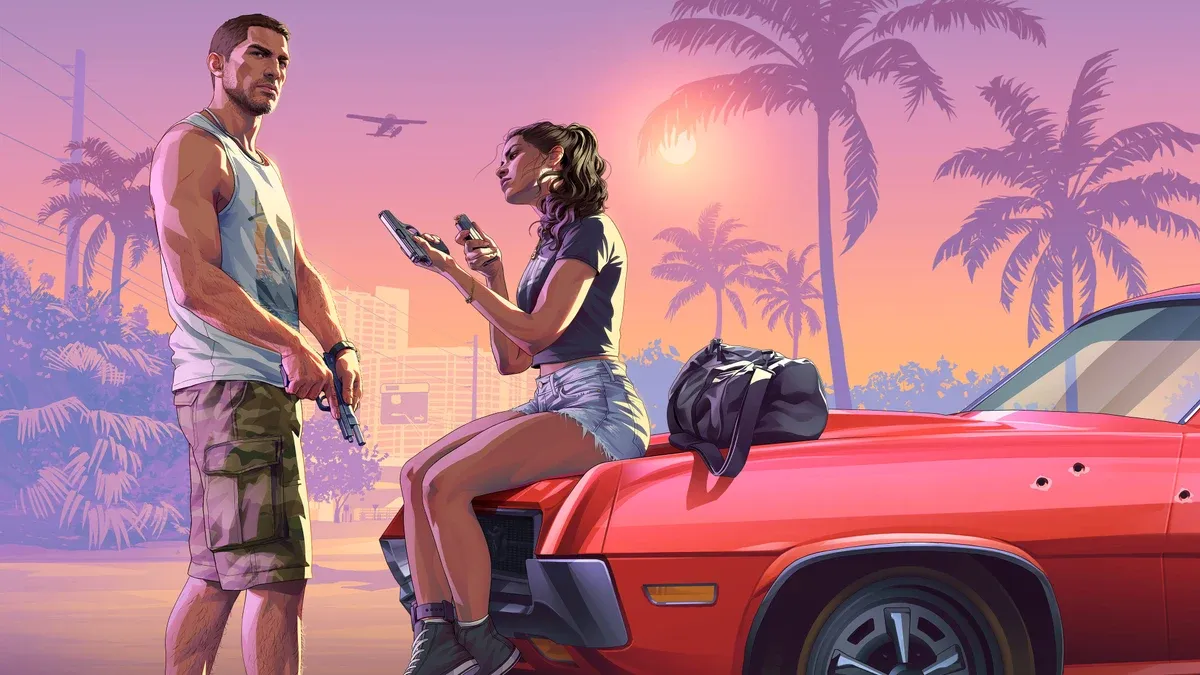
How do you equip a weapon you are already carrying?
Hold L1 on PS5 or LB on Xbox to open the weapon wheel. If more than one tab is available, use R1/RB to step through them. Highlight the item with the right stick and use Cross/A to equip it. Check the controls guide if you changed your input layout. A weapon stored in the trunk may need to be moved into your carried loadout first.
How do you swap weapons at your vehicle?
- Stand behind a compatible personal vehicle. Use Triangle/Y when the trunk prompt appears.
- Open the trunk’s weapon display with L1/LB when prompted. Highlight a slot using the right stick and cycle its options with D-pad left/right.
- Follow the prompt to take the selected weapon. To put a long gun away, use Square/X at the trunk when the stow prompt is available.
Before leaving the vehicle, open the regular weapon wheel and verify the weapon is in your carried loadout. If you still cannot find it, check the locker assignment.
How do you assign a gun to the trunk?
At an Ammu-Nation store with a weapon locker, approach the locker and choose Manage Weapons with Triangle/Y. Highlight an owned weapon and use Square/X to add it to or remove it from the trunk list. If the locker shows a unique variant option, use the visible menu to select the unlocked variant you want. See weapon customization for upgrades.
Why is a weapon missing?
| What you see | What to check |
|---|---|
| The gun is missing from the wheel | Check the trunk and move the weapon into your carried loadout. |
| The car has no trunk interaction | Return to a compatible personal vehicle and check the prompt at its rear. |
| The gun is in the locker but missing from the trunk | Add it to the trunk list and check the assignment before leaving the store. |
| A gun disappeared after a character switch | Check the active character’s carried loadout and storage. |
| A gun you picked up is missing from storage | Check whether it was a temporary pickup. Purchases and owned mission rewards can appear in storage. |
Related Articles
guides
GTA 6 Parents Guide: Age Rating and Console Controls
Understand the GTA 6 ESRB rating and content warnings, set age restrictions and spending controls on PS5 or Xbox, and test them on a child account.
guides
Is GTA 6 on Steam? PC, Price and Steam Deck Status
Check the GTA 6 Steam and PC release status for November 25, 2026, and learn how to verify a store listing, price or Steam Deck compatibility claim.
guides
Who Made GTA 6? Rockstar’s Development and Writing Team
Find out who made Grand Theft Auto VI, what Sam Houser, Rob Nelson and Aaron Garbut did, and how development credits differ from GTA 6’s music credits.
Was this helpful?
Thanks for the feedback!