
GTA 6 Vehicles in Official Images: Cars, Bikes, Boats and Aircraft
Browse GTA 6 vehicles shown or named in official material, including the Grotti Cheetah and Shitzu Squalo, and organize sightings by source and vehicle type.
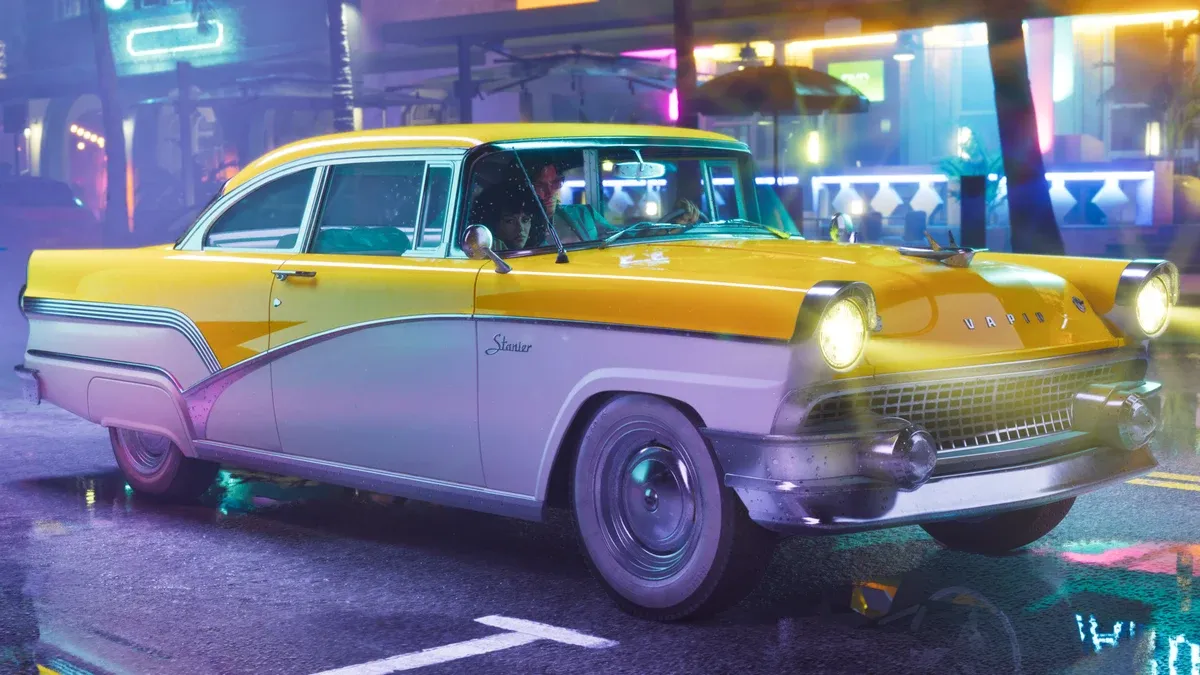
Where should a GTA 6 vehicle list begin?
Start with the exact names attached to official material, then put unnamed scene appearances in a separate group. This prevents a familiar silhouette from acquiring a name simply because it resembles something in another game.
Two useful sources are the official screenshot collection and Rockstar’s edition comparison. The first organizes imagery; the second explains named edition benefits. A vehicle’s presence in either source has a different meaning from finding a normal acquisition method during a playthrough.
Which named vehicles are useful starting entries?
Use the official spelling as the primary search label. Preserve a year prefix when it is part of the listed name, and record the source category beside the entry.
| Official entry | Source context | Useful reference notes |
|---|---|---|
| ’95 Grotti Cheetah | Named edition benefit and dedicated images | Full name, image set and product context |
| Shitzu Squalo | Named edition benefit | Boat entry, source description and visual reference |
| ’67 Vapid Dominator Buggy | Named edition benefit | Exact name and distinction from similarly named vehicles |
| Motorbike in the official Jason image | Scene appearance | Screenshot source and visible body style |
| Seaplane in the official Keys image | Scene appearance | Aircraft category and image reference |
The PlayStation image gallery provides the motorbike and seaplane scene descriptions. Keep those captions with the images rather than assigning a model name from memory.
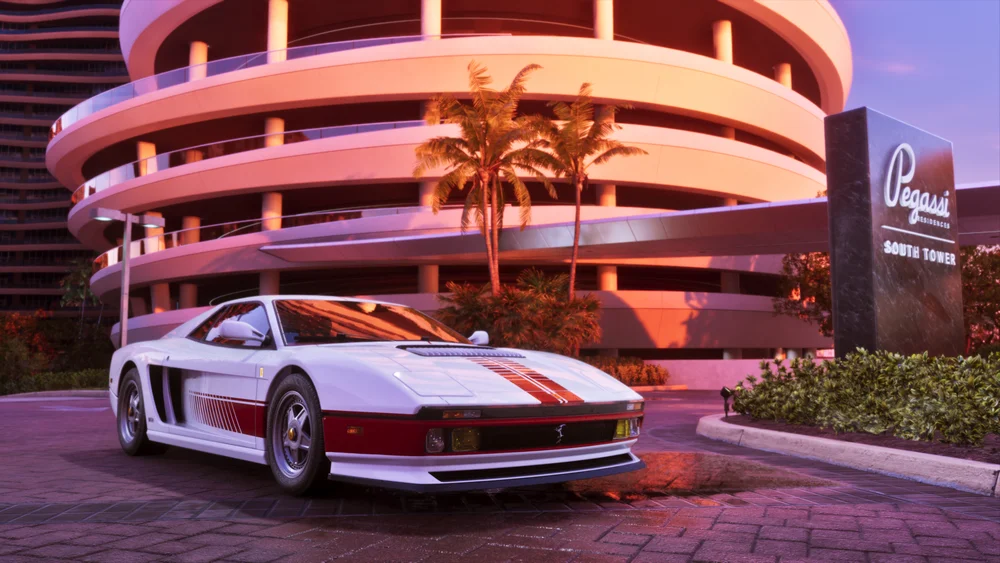
How should you read the Grotti Cheetah images?
Use the dedicated image set to compare angles. A side profile is useful for the body shape, while a front or rear view helps distinguish lighting and details that might be hard to see in a fast trailer cut. Keep each observation attached to the same named entry.
Do not merge every similar-looking car into that entry. If another image only provides a partial view, save it as a possible visual match until the caption or a clearer angle resolves the identification. This keeps the reference list useful instead of filling it with duplicate assumptions.
When comparing editions, return to the product listing for entitlement details. A gallery image is a good place to study appearance; it is not a checkout page or a price list.
How should boats be organized?
Put boats in their own category and keep the named Shitzu Squalo entry distinct from unnamed watercraft in wider scenes. A useful boat note records the official name when given, the scene source, and visible characteristics that help recognize it again.
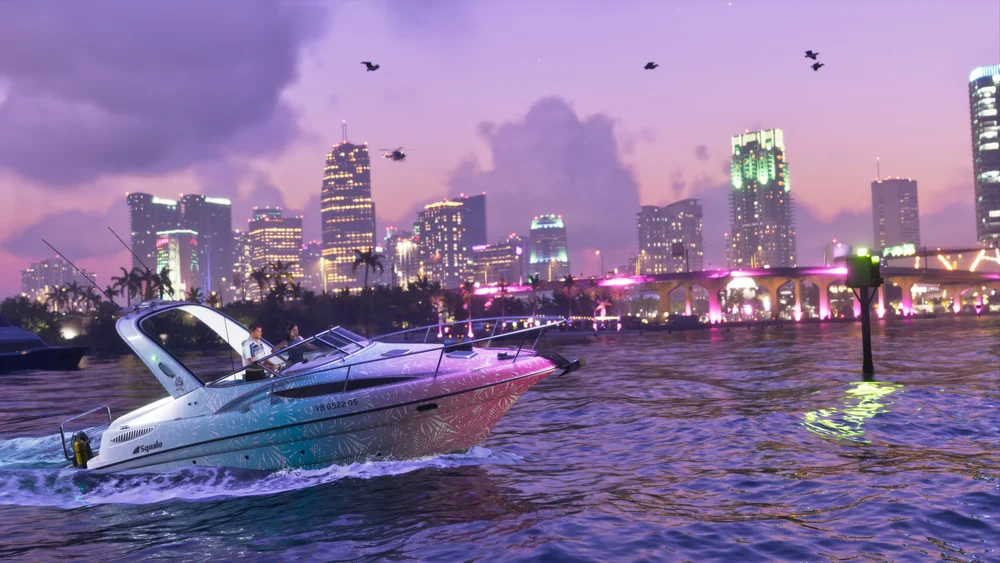
For an eventual travel note, you will need more than a boat’s appearance: the starting point, destination, access, and a place to finish the trip are separate questions. The Keys and region guide helps organize the setting context without treating an attractive water scene as a complete route.
What about motorcycles and aircraft?
Use broad categories when a source caption stops at “motorbike” or “seaplane.” You can still make a useful entry: attach the image, note the subject, and preserve any visible scene detail. A short accurate entry is easier to expand than a confidently misnamed one.
Distinguish the vehicle from the camera viewpoint. An aircraft appearing above a region is an observation about the promotional scene; it does not by itself reveal a runway, spawn location, or the best route through that area.
How do you check whether an edition includes the vehicle you want?
Find the complete vehicle name, then compare it with the product contents in the edition guide. For example, if you want the ’95 Grotti Cheetah, check for that named item in the selected edition. An image of a similar-looking car is not enough to identify what the purchase includes.
A vehicle appearing in a scene and a vehicle named as an edition extra provide different information: the scene helps identify its appearance, while the product listing explains the purchase contents. For travel choices, use the vehicle-selection guide to compare road, water and task requirements. Acquisition locations and conditions need their corresponding in-game instructions.
What should you read next?
Related Articles
guides
GTA 6 100% Completion Guide: Checklist and Cleanup Order
Organize GTA 6 100% completion with a category checklist, discovery targets, regional cleanup routes and a clear method for checking stalled progress.
guides
GTA 6 Best Beginner Settings: Controls, HUD, Audio and Units
Set up GTA 6 for a clearer first session: find settings, adjust controls and readability, turn menu narration on or off, change distance units and reset safely.
guides
GTA 6 Change Clothes: Wardrobe, Saved Outfits and Vehicle Storage
Change clothes in GTA 6, use a wardrobe, find clothing stores, save an outfit and prepare a vehicle change. Includes checks for missing clothes and rewards.
Was this helpful?
Thanks for the feedback!