
GTA 6 Car Theft Guide: Scan, Unlock and Sell Vehicles
Learn the GTA 6 car-theft workflow, check locks and trackers, understand the Key Cloner unlock, and troubleshoot vehicles that a buyer will not accept.
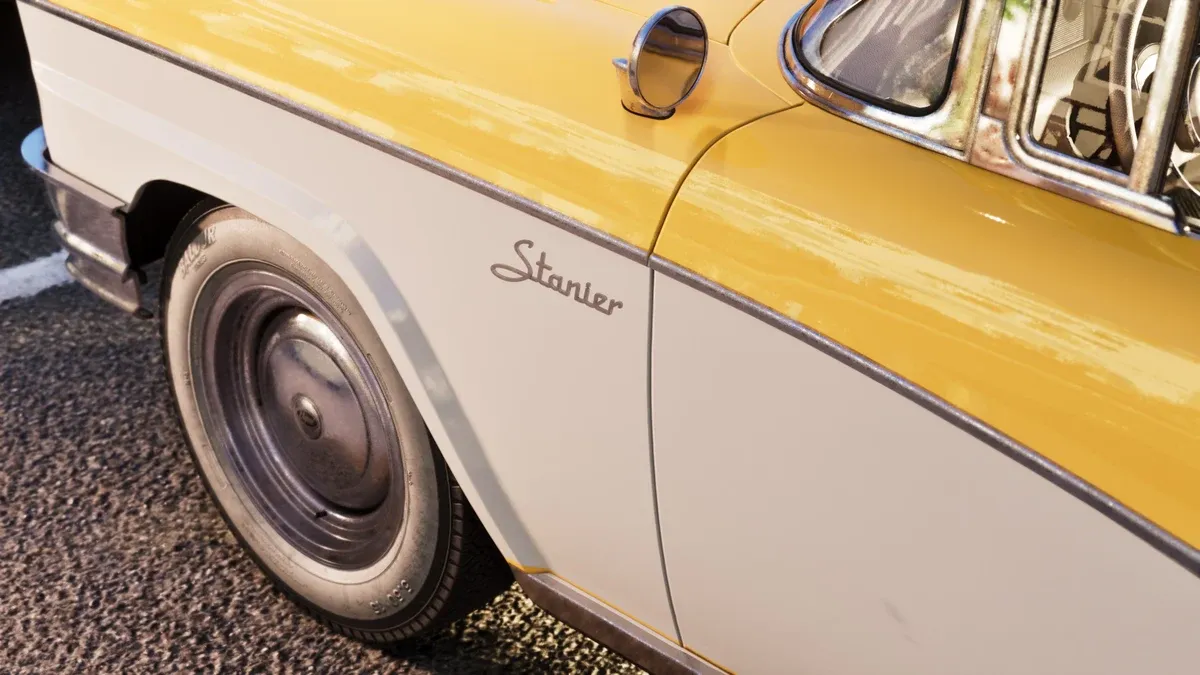
What should you check before stealing a car?
Start by identifying the target and your purpose. A temporary escape vehicle, a car to sell and one you want to keep are different choices. Inspect the vehicle before investing time in opening it, then check whether your current tools and buyer can handle it.
GTABase’s theft overview describes security, value and tracker information through WAiNK. Use those fields as separate checks rather than treating a high price as a reason to ignore every other condition. The scanner tutorial explains how to record a target before moving it.
What if the car requires a Key Cloner?
PowerPyx’s tool guide places the Key Cloner unlock in Chapter 3 during Clonin’ Keys, Makin’ GS, the Zorrusso task for Randy. It also warns that advanced trackers can alert police when a stolen car slows down. Opening the lock and dealing with the tracker are separate problems.
If you do not have the required tool, pick another suitable target or continue the relevant story. Repeatedly trying the same locked vehicle will not replace a missing unlock. Read any available input prompts and complete the shown interaction rather than applying a different car’s method blindly.
What is a sensible selling sequence?
- Identify a vehicle and inspect its security and tracker information.
- Confirm that the intended buyer is currently available and accepts this type of target.
- Plan the exit and return route before taking the vehicle.
- Complete the entry interaction, then follow any tracker or police warnings.
- Deliver the vehicle in the best condition you can manage.
- Read the transaction result and confirm the money or request progress actually changed.
PowerPyx’s fence guide distinguishes Moses’ early no-tracker sales from later buyers and Pay ‘n’ Spray options. Use the displayed acceptance rules for your current stage instead of assuming a buyer unlocked in someone else’s endgame is already available to you.
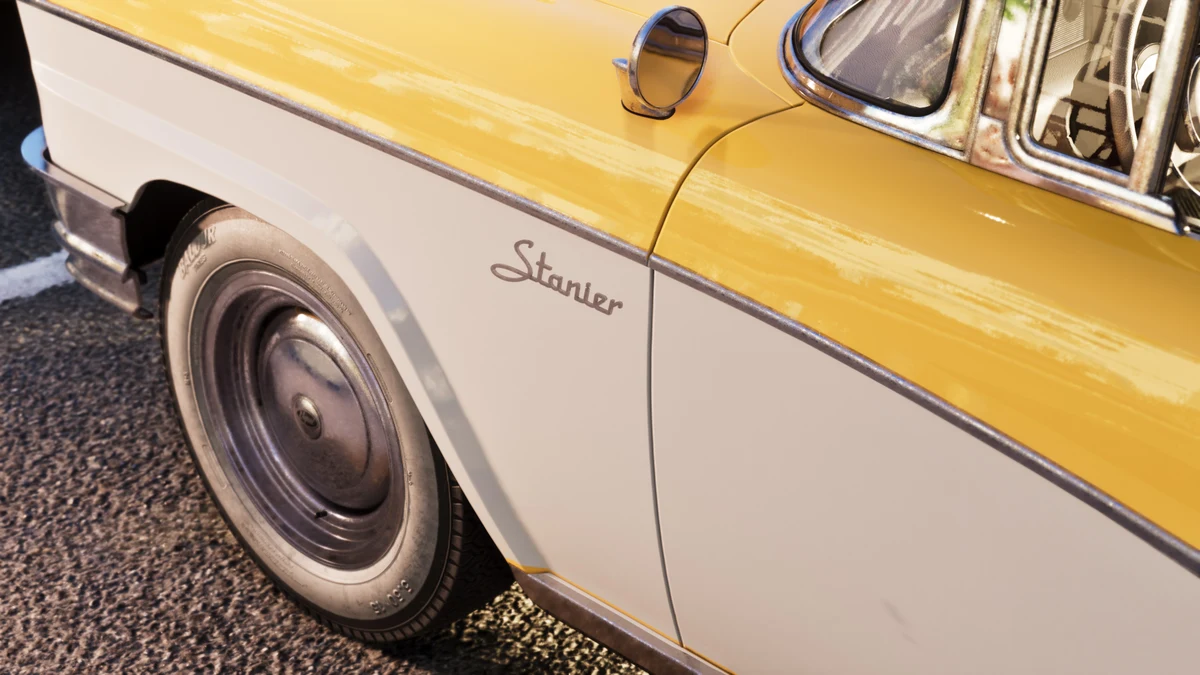
Why will a buyer not take the vehicle?
Read the rejection message first. Compare the model, tracker, current task and available service with the requirement. A named wish-list delivery is different from an ordinary sale, and a parked car that looks similar may be the wrong model.
If you have a specific commission, use the Moses delivery route or Randy wish list. If police pursuit blocks the return, work through the escape guide before driving back to the buyer again.
Should you sell it or keep it?
Compare the sale proceeds with your reason for wanting the vehicle. If you only need transport for one trip, ownership may not be your immediate priority. If you want to keep it, inspect registration and capacity before selecting a sale command.
The personal vehicle guide covers that next step. Before confirming a transaction, read the action label once more: selling a vehicle and registering it should never be treated as interchangeable menu choices.
Related Articles
guides
GTA 6 100% Completion Guide: Checklist and Cleanup Order
Organize GTA 6 100% completion with a category checklist, discovery targets, regional cleanup routes and a clear method for checking stalled progress.
guides
GTA 6 Best Beginner Settings: Controls, HUD, Audio and Units
Set up GTA 6 for a clearer first session: find settings, adjust controls and readability, turn menu narration on or off, change distance units and reset safely.
guides
GTA 6 Change Clothes: Wardrobe, Saved Outfits and Vehicle Storage
Change clothes in GTA 6, use a wardrobe, find clothing stores, save an outfit and prepare a vehicle change. Includes checks for missing clothes and rewards.
Was this helpful?
Thanks for the feedback!