
GTA 6: How to Keep Cars, Register Vehicles and Use Garages
Keep cars in GTA 6 by understanding registration, story unlocks and garage capacity, with a checklist for purchases and vehicles that seem to disappear.
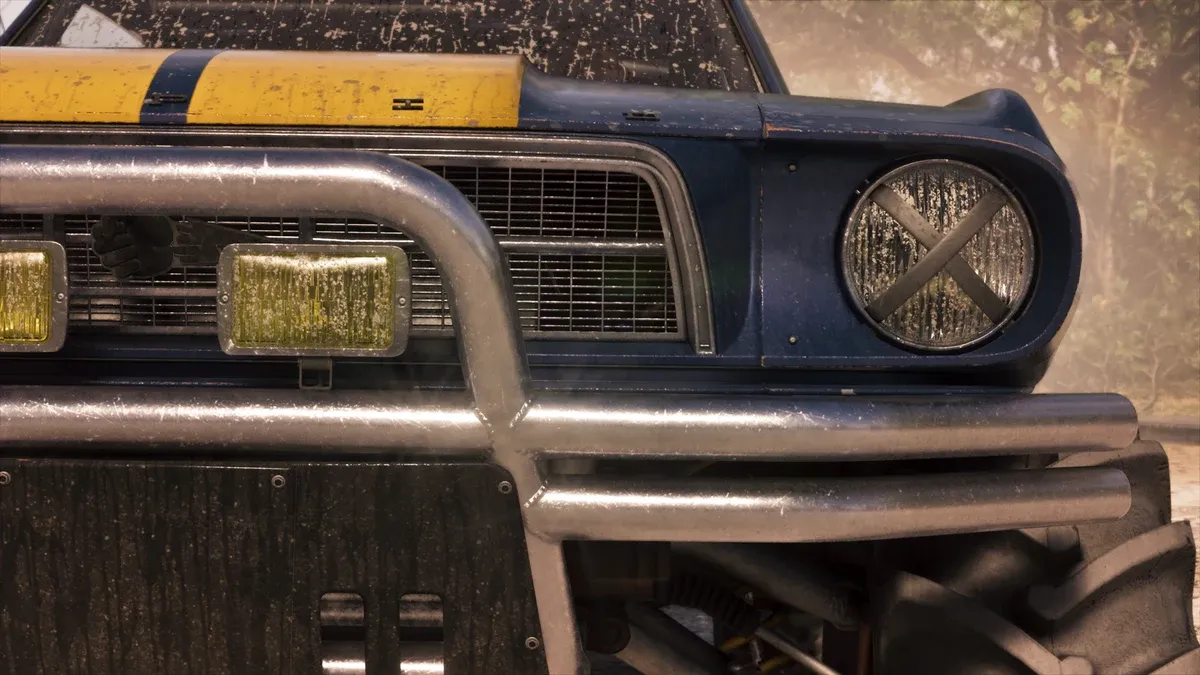
How do you turn a stolen car into a personal vehicle?
PowerPyx’s personal-car guide places registration at Moses in Chapter 2. Initially, he accepts suitable vehicles without trackers; use Register rather than the sell command. The same reference reports broader standard-tracker registration options at Pay ‘n’ Spray in Chapter 3.
Before committing, confirm the exact vehicle, its eligibility, the price shown and whether there is space. After the transaction, check the owned-vehicle record. Do not treat having driven a car or parked it nearby as proof that registration completed.
When can you buy garage space?
PowerPyx’s garage reference places the Vice City Real Estate phone app after Daily Driver in Chapter 2. It lists eight purchasable garages alongside story garages. Compare the app’s current property details rather than planning around an unverified maximum-slot total.
| Before purchase | Question to answer |
|---|---|
| Need | Which vehicle will use the extra space? |
| Capacity | What does this property actually add? |
| Cost | Can you still afford current activity supplies? |
| Location | Will the garage fit your usual routes? |
| Confirmation | Is the property recorded as owned afterward? |
Should you buy every garage immediately?
Buy according to your current collection goal. If you are keeping one favorite vehicle, solve that capacity problem first. If your aim is a garage-related trophy, compare the trophy condition with the purchasable-property list before spending on unrelated items.
Use the money guide to set a budget. A cheap property far from your usual activities and a more expensive convenient property solve different problems. Record what you want the purchase to accomplish so the decision is not based only on an attractive icon.
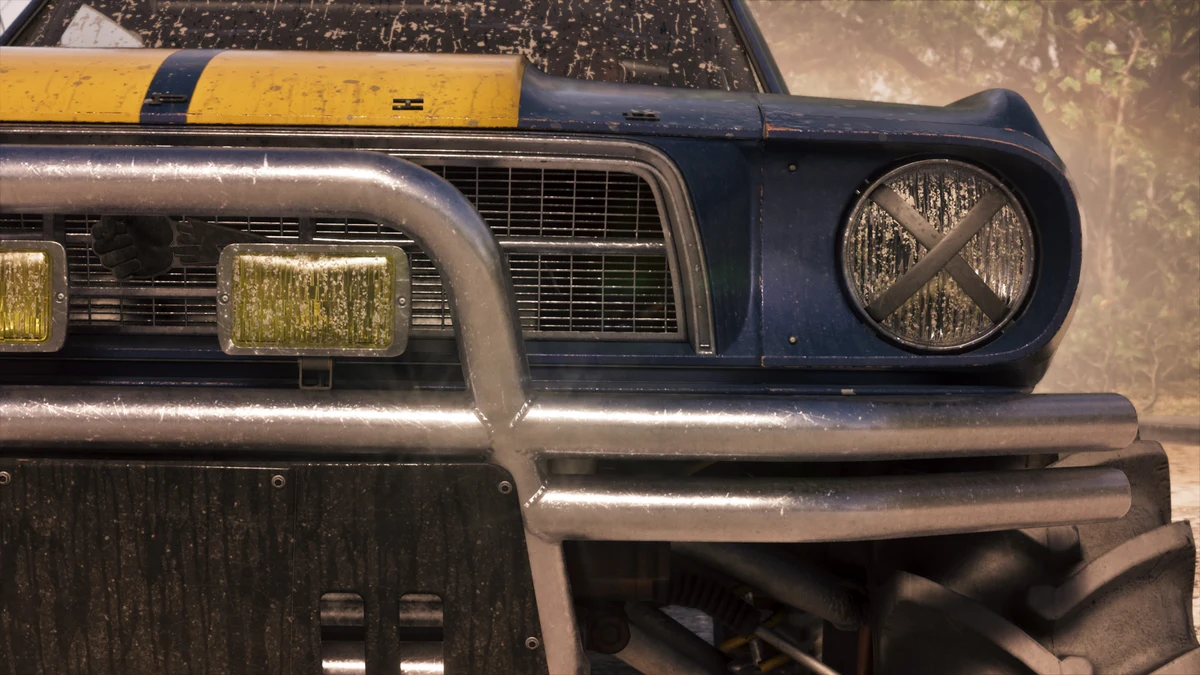
Why did a car disappear?
Begin with the save and ownership record. Were you using a registered vehicle, or a temporary car? Did you load a checkpoint from before the transaction? Was the menu action actually a sale? Those questions are more useful than immediately searching the whole map.
Check the game’s available vehicle-management prompts and any relevant notifications. Do not promise yourself that waiting or reloading will recover an unregistered vehicle. If you need to reproduce the issue, record the vehicle name, registration result, last location and save timestamp.
What if the garage is full?
Review the vehicles already occupying the available capacity before taking another one to registration. Decide which you intend to keep and read any replacement or sale confirmation carefully. Stop if the result is unclear rather than accepting several dialogs in a row.
The steal-and-sell guide explains how to evaluate another target. A Randy wish-list delivery is a separate objective from adding a car to your own collection. Mark those purposes separately in your notes.
What is the safest ownership checklist?
Inspect eligibility, confirm capacity, complete registration, verify the owned record, then save when normal saving is available. Keep the record of a major purchase until you have used the vehicle successfully in a later session.
The save planning guide helps distinguish an old checkpoint from current progress. If the record remains inconsistent, retain the save and screenshots rather than selling other vehicles to test a theory without evidence.
Related Articles
guides
GTA 6 100% Completion Guide: Checklist and Cleanup Order
Organize GTA 6 100% completion with a category checklist, discovery targets, regional cleanup routes and a clear method for checking stalled progress.
guides
GTA 6 Best Beginner Settings: Controls, HUD, Audio and Units
Set up GTA 6 for a clearer first session: find settings, adjust controls and readability, turn menu narration on or off, change distance units and reset safely.
guides
GTA 6 Change Clothes: Wardrobe, Saved Outfits and Vehicle Storage
Change clothes in GTA 6, use a wardrobe, find clothing stores, save an outfit and prepare a vehicle change. Includes checks for missing clothes and rewards.
Was this helpful?
Thanks for the feedback!