
GTA 6 First-Person: Camera, Inspection and Aiming Explained
Find out what first-person views GTA 6 supports at launch, how to inspect objects and use weapon sights, and why camera distance is a separate setting.
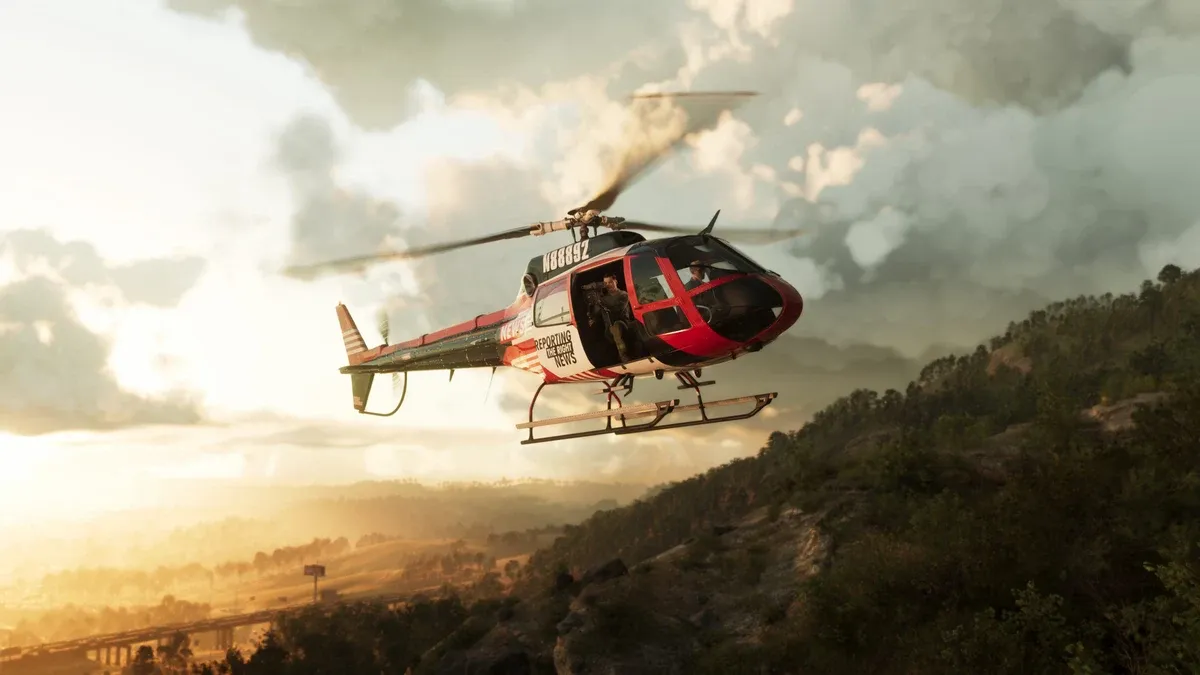
Can you play the whole game in first-person?
Push Square’s launch camera guide says there is no complete first-person gameplay mode. A story shot, close-up inspection or weapon sight should not be mistaken for a permanent walking-and-driving perspective. You cannot enable a full mode simply by cycling the third-person camera repeatedly.
This matters when following older advice that assumes the same camera system as GTA 5. First identify whether you want to inspect a sign, aim through an optic or move the chase camera farther away. They are different tasks with different limitations.
How do you inspect something up close?
PowerPyx’s camera reference describes a stationary inspection view: hold L2 on PS5 / LT on Xbox, then click the right stick (R3). Clicking means pressing the stick inward, not moving it. You cannot walk around in this view. Release L2/LT to leave it and return to normal movement.
Stand where you can remain still before trying it. Face the item you want to inspect, activate the view, then read the detail you need. If you are trying to record a clue, note its words before moving away. An inspection perspective is useful for seeing detail; it does not prove that an object is collectible or interactive.
How do weapon sights work?
The camera references describe using the aim input and right-stick click with a suitable equipped optic. If the expected view does not appear, check the weapon and its attachments rather than repeatedly changing the general camera. Push Square points to Attachments → Optics at a gun store’s weapon modification screen.
Practice the transition before an important fight: aim, enter the sight view, leave it, and confirm how much of the surrounding scene you can see. For equipment choices, start with the weapon guide. Avoid buying an attachment merely because a screenshot of another weapon shows a different view.
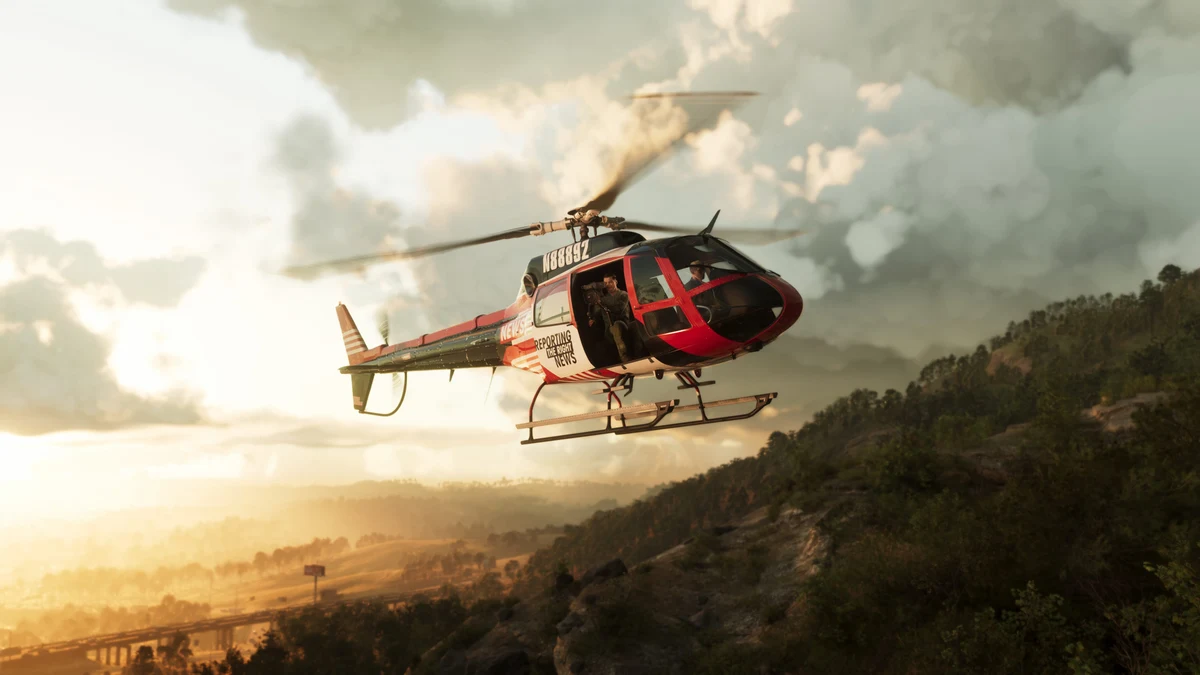
Is vehicle camera distance the same as cockpit view?
No. A chase camera positioned closer to a vehicle is still outside that vehicle. Choose a distance that helps you judge corners and nearby traffic instead of trying to imitate a cockpit mode through repeated button presses.
The PowerPyx reference also reports a phone-related driving view. That is a restricted situation, not a general first-person setting; this tutorial does not treat it as a substitute for a complete mode. Learn ordinary steering and braking first through the controls guide.
What if the view feels uncomfortable or will not change?
Test while stationary and change one available camera setting at a time. Compare the same scene before and after each change. Check for mission-specific framing, an open phone or a held aiming input before deciding that your settings were ignored.
If discomfort persists, use a view that provides a clearer sense of the surrounding space and take a break from testing. Do not combine several unfamiliar camera changes with a difficult combat encounter. For protagonist controls rather than camera controls, use how to switch characters.
Related Articles
guides
GTA 6 100% Completion Guide: Checklist and Cleanup Order
Organize GTA 6 100% completion with a category checklist, discovery targets, regional cleanup routes and a clear method for checking stalled progress.
guides
GTA 6 Best Beginner Settings: Controls, HUD, Audio and Units
Set up GTA 6 for a clearer first session: find settings, adjust controls and readability, turn menu narration on or off, change distance units and reset safely.
guides
GTA 6 Change Clothes: Wardrobe, Saved Outfits and Vehicle Storage
Change clothes in GTA 6, use a wardrobe, find clothing stores, save an outfit and prepare a vehicle change. Includes checks for missing clothes and rewards.
Was this helpful?
Thanks for the feedback!