
GTA 6 Controls: PS5 and Xbox Quick Reference
Learn GTA 6 common PS5 and Xbox controls, distinguish taps from holds, and find the right reference for combat, driving, scanning and character switching.
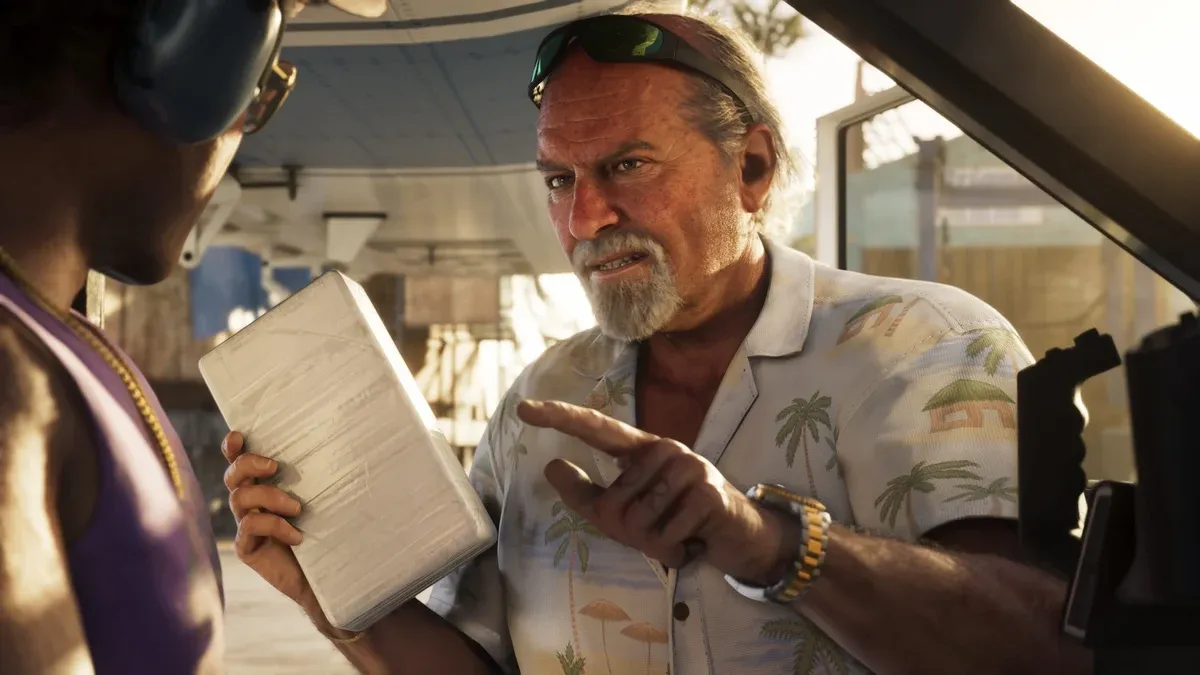
Which controls should a new player learn first?
Start with a small set you can use without looking away from the scene: movement, aiming, firing, interacting and stopping a vehicle. Learn the special menus after those feel familiar. A long controller table is less useful if it mixes driving, swimming and on-foot actions without explaining the current context.
The PS5 entries below have been cross-checked against Shacknews’ launch controls table. The Xbox column follows GTABase’s cross-platform reference. This table covers common inputs, not every context menu. Check your selected control scheme and any system-level remapping if a prompt differs.
| Action | PS5 | Xbox |
|---|---|---|
| Move / look | Left / right stick | Left / right stick |
| Aim / fire on foot | L2 / R2 | LT / RT |
| Enter or exit vehicle | Triangle | Y |
| Open weapon wheel | Hold L1 | Hold LB |
| Phone | D-pad Up | D-pad Up |
| Accelerate / brake | R2 / L2 | RT / LT |
| Steer | Left stick | Left stick |
| Vehicle handbrake | Cross | A |
How do PlayStation and Xbox button names match?
Use the position on the controller as well as the printed label. Cross corresponds to A, Circle to B, Square to X and Triangle to Y. L1/R1 correspond to LB/RB; L2/R2 correspond to LT/RT. L3 and R3 mean pressing the respective stick inward, not moving it in a direction.
This distinction matters when a guide says to click a stick. Practice that press gently while standing somewhere quiet. If the camera rotates instead, you moved the stick rather than clicking it. Avoid repeatedly pressing several face buttons while learning an unfamiliar interaction.
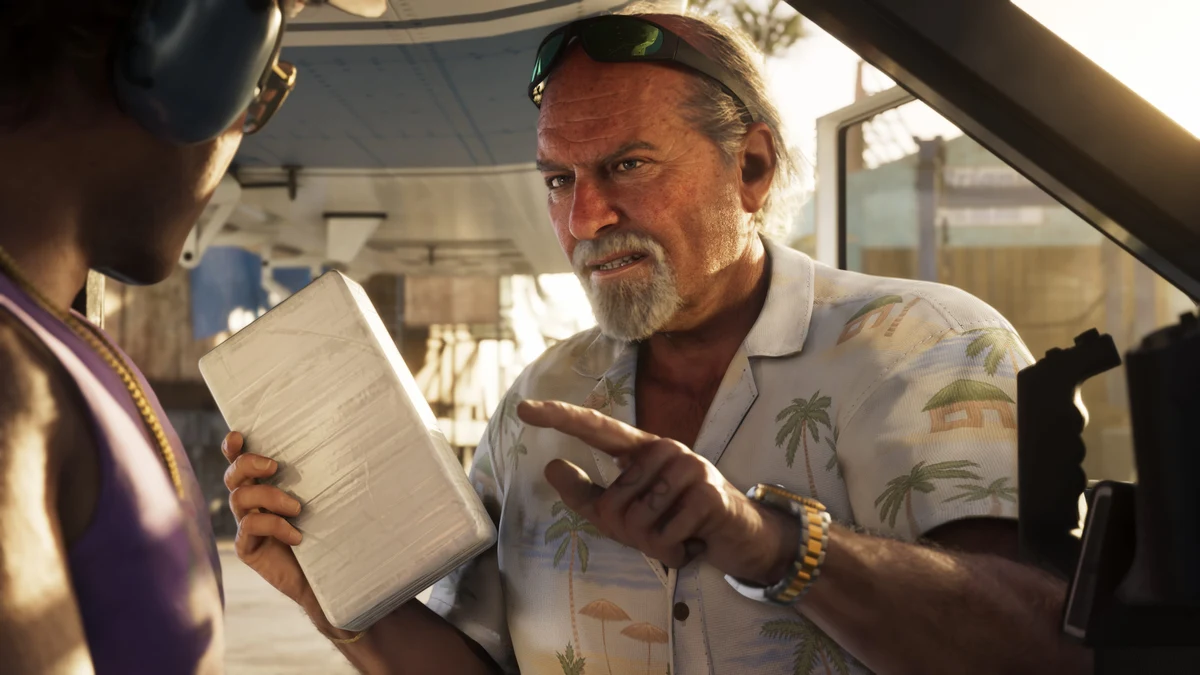
Why does one button perform different actions?
An input can change with the selected menu, equipped item and whether you are on foot or inside a vehicle. A short tap and a held input can also produce different results. Read the displayed prompt before applying an instruction from another situation.
For example, opening a phone and using a scanner are related actions, but finishing the scan still requires the appropriate target and confirmation. Follow the WAiNK scanning guide for that sequence. For switching the controlled protagonist, use the character-switching tutorial instead of an older preview table.
What is a useful five-minute practice routine?
- Stand in a quiet location and practice moving while turning the camera independently.
- Open a menu, read its prompts and close it without selecting an unwanted action.
- Practice aiming in a suitable location and identify which input exits the aiming state.
- Drive slowly in an open area, brake to a stop, then practice reversing and turning.
- Test one advanced command at a time, checking its visible result before proceeding.
Use camera and first-person limitations when a perspective behaves differently from what you expected. Changing the viewing distance is not the same as enabling a complete first-person mode.
What should you check if an input does not work?
Check the active context first: menu, dialogue, vehicle, weapon or mission state. Then inspect your current controller configuration and any system-level button remapping. If only one interaction fails while ordinary movement works, investigate its prerequisites before treating the controller as broken.
When recording a problem, write the action, platform, whether you tapped or held, and the prompt you saw. That creates a reproducible question instead of the vague report that a button “does nothing.”
Related Articles
guides
GTA 6 100% Completion Guide: Checklist and Cleanup Order
Organize GTA 6 100% completion with a category checklist, discovery targets, regional cleanup routes and a clear method for checking stalled progress.
guides
GTA 6 Best Beginner Settings: Controls, HUD, Audio and Units
Set up GTA 6 for a clearer first session: find settings, adjust controls and readability, turn menu narration on or off, change distance units and reset safely.
guides
GTA 6 Change Clothes: Wardrobe, Saved Outfits and Vehicle Storage
Change clothes in GTA 6, use a wardrobe, find clothing stores, save an outfit and prepare a vehicle change. Includes checks for missing clothes and rewards.
Was this helpful?
Thanks for the feedback!