
GTA 6 WAiNK Scanner: Vehicles, Locations and Missing Progress
Use the GTA 6 WAiNK scanner for vehicles and landmarks, keep animal studies separate, and check the right collection when a scan does not add progress.
How do you scan a vehicle?
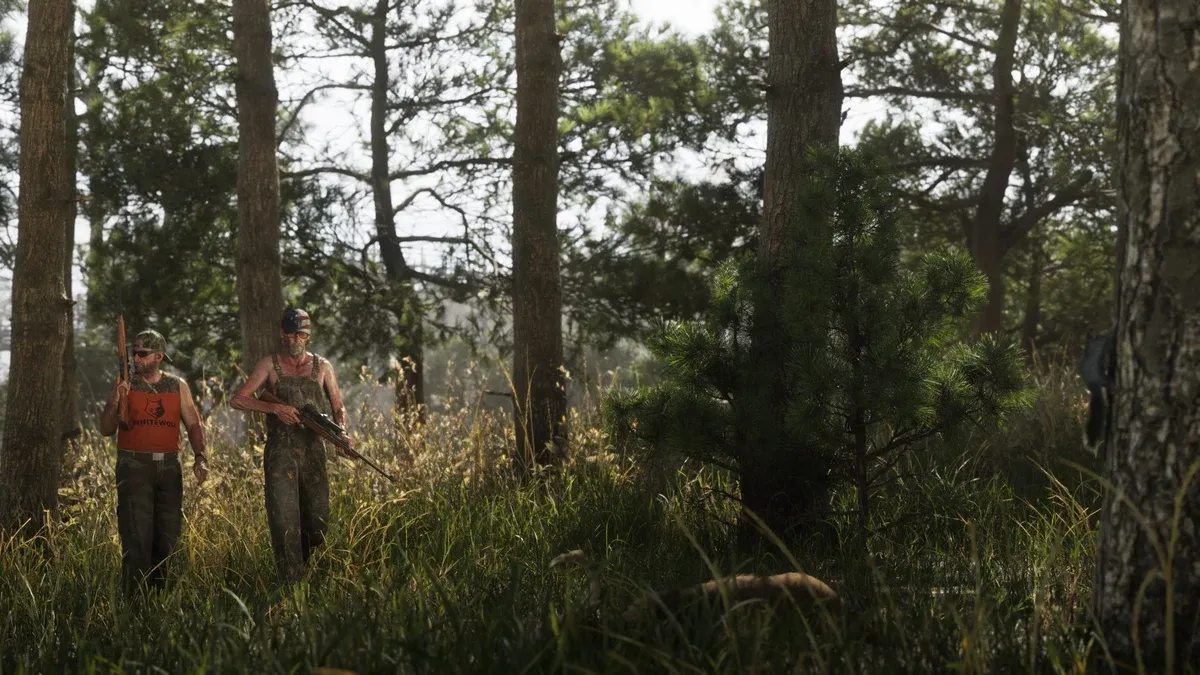
PowerPyx’s scanning tutorial gives the shortcut hold D-pad Up, then aim the WAiNK app at the vehicle. Hold R1 on PS5 / RB on Xbox until the scan completes; opening the app alone is not enough. Boats and aircraft also count as vehicle discoveries.
If you are assessing a car to steal, read its information before moving it. Keep the model name with your notes. A visual resemblance is not a reliable substitute for the named entry, especially when a delivery asks for a particular target.
Is a vehicle scan the same as a WAiNK location?
No. PowerPyx’s location guide points to Progress → Collections → WAiNK Locations for that collection. It describes nearby sound/vibration prompts and a scan symbol on the target. It also distinguishes AHOL art and 1010 murals from the location total, despite a similar collection action.
Use the collection section that matches your goal. If you are checking a location requirement, a newly discovered vehicle will not answer whether the location counter changed. The completion guide explains why separate requirements must be tracked separately.
| Target | Record to check |
|---|---|
| Vehicle | Vehicle discovery entry |
| WAiNK location | WAiNK Locations collection |
| Another artwork category | Its own collection section |
| Animal | Animal-study record |
How is animal study different?
The scanning tutorial uses binoculars from the weapon wheel, with D-pad Up to zoom, then hold R1/RB until the study completes. Do not keep pointing the phone at an animal if you are trying to perform the binocular study action.
Wait for the action to finish and verify the named record. When comparing similar animals, use the entry shown by the game instead of assuming every individual produces a new discovery. Separate “saw it,” “performed the action” and “registered a new entry” in your notes.
Why did the counter not increase?
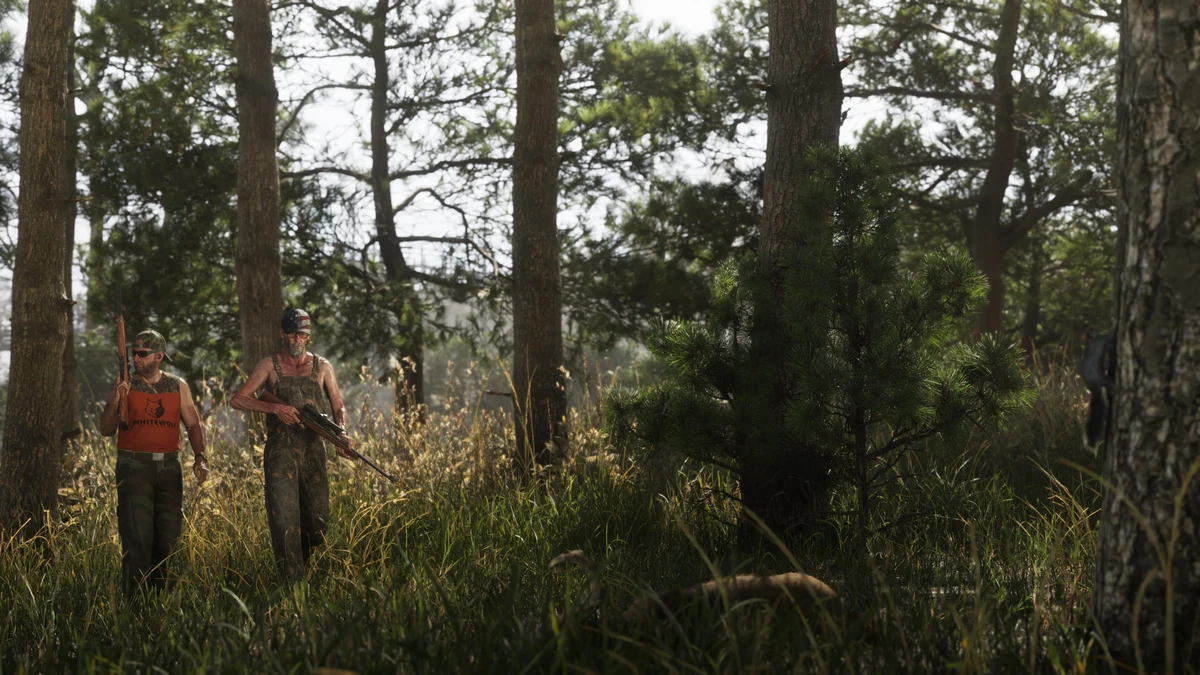
Check four things in order: the target was correct, the action finished, the entry was new, and you inspected the correct counter. This short sequence catches several different problems without requiring a restart.
If a location prompt remains, adjust the viewing angle and identify the marked object rather than scanning the whole building at random. If an entry already exists, note the repeat and move on. Repeating an action is not evidence of a new discovery.
How do you build an efficient scanning route?
Combine scans with travel you already need to make. Use the regional overview to group destinations and the interactive map for orientation. It is an overview tool, not a complete scan-coordinate database.
Choose one collection as the main goal for a session. Record incidental discoveries separately, then check the counters before stopping. If you plan to take a scanned vehicle, continue with the theft guide; completing discovery and gaining ownership are different outcomes.
Related Articles
guides
GTA 6 100% Completion Guide: Checklist and Cleanup Order
Organize GTA 6 100% completion with a category checklist, discovery targets, regional cleanup routes and a clear method for checking stalled progress.
guides
GTA 6 Best Beginner Settings: Controls, HUD, Audio and Units
Set up GTA 6 for a clearer first session: find settings, adjust controls and readability, turn menu narration on or off, change distance units and reset safely.
guides
GTA 6 Change Clothes: Wardrobe, Saved Outfits and Vehicle Storage
Change clothes in GTA 6, use a wardrobe, find clothing stores, save an outfit and prepare a vehicle change. Includes checks for missing clothes and rewards.
Was this helpful?
Thanks for the feedback!