
GTA 6 Missable Trophies and Manual Save Planning
Understand the GTA 6 Chapter 1 meditation warning, distinguish missable scenes from trophies, and organize manual saves without overwriting useful checkpoints.
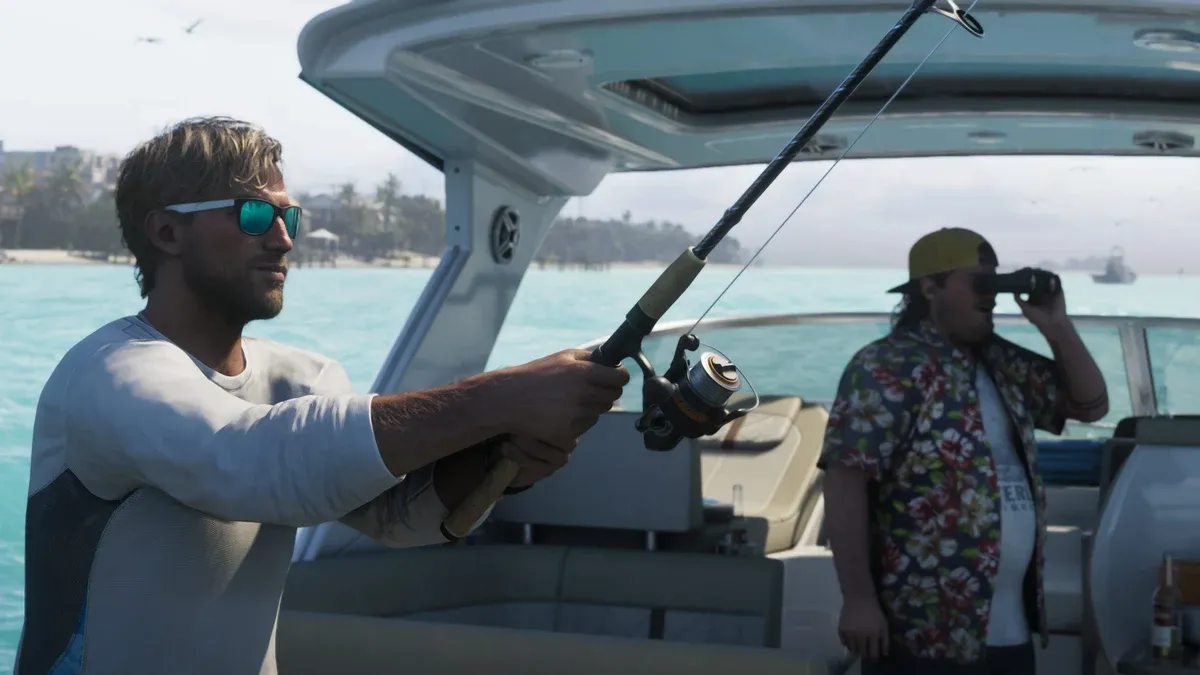
Can you miss a trophy in GTA 6?
There is an unresolved early meditation warning worth acting on without assuming your run is ruined. PowerPyx’s meditation guide says the Chapter 1 introduction becomes unavailable later, but has not confirmed whether that introduction is required for Positive Mental Attitude. “The scene is missable” and “the trophy is permanently lost” are different claims.
The practical response is to keep an early save and take the opportunity when it appears. If you already passed it, preserve your current progress while checking the latest evidence. Do not delete a long-running save because a discussion labels the entire platinum missable.
How do you find the Chapter 1 meditation opportunity?
The same guide describes this sequence after Down to Earth: speak to Lucia in Jason’s kitchen in the morning, follow her onto the balcony when she mentions meditation, then choose Accept. This is the specific reported opportunity to watch for, rather than a requirement to repeatedly search every balcony.
Save before progressing beyond that section if saving is available. After the interaction, record what happened and check the relevant progress counter. A counter increase is useful evidence that an action registered; it does not, by itself, resolve which events the trophy ultimately requires. Keep that distinction in your notes.
If you cannot trigger the conversation, first confirm the mission name, chapter, location and time against your current save. Those details are more helpful than restarting at random. Avoid replacing a later save until you have a clear reason to return to the earlier checkpoint.
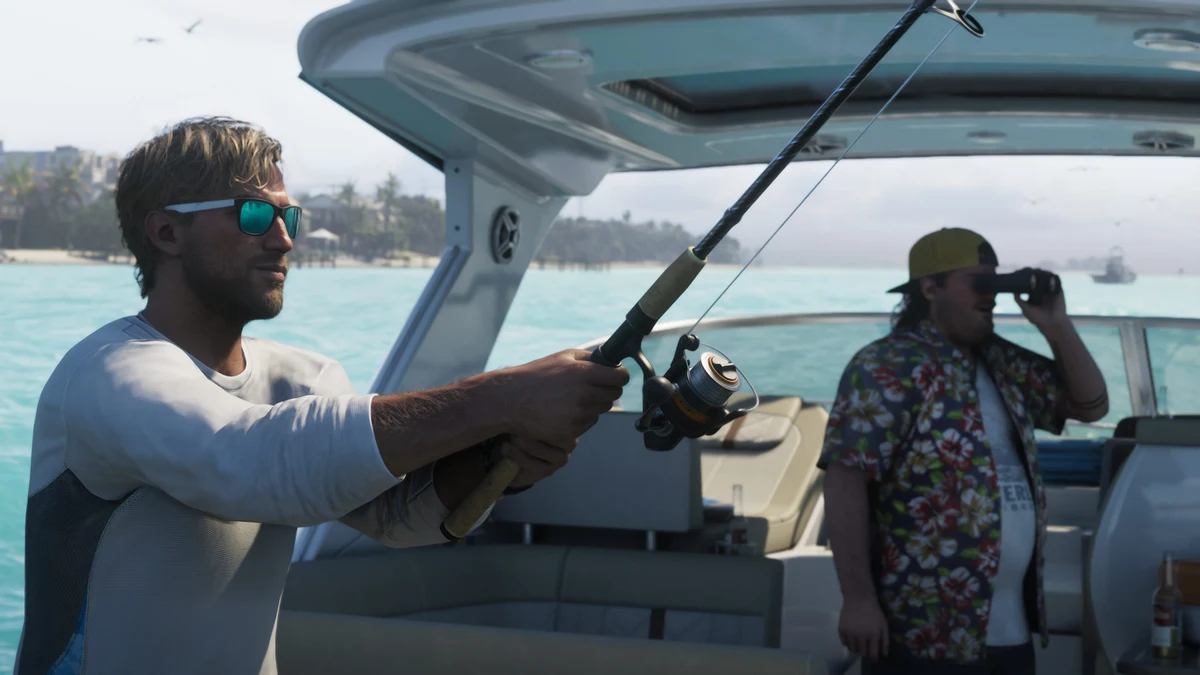
How should you divide manual save slots?
The trophy roadmap reports 15 manual slots and one autosave. A useful allocation is to reserve ten for chapter boundaries and rotate five for ongoing exploration. Treat that as a planning method: check the actual slot screen before overwriting anything, and keep a separate note if the game does not let you rename saves.
If you need the menu actions first, use how to save and load GTA 6, including the checks for a greyed-out Save Game option.
| Save group | Suggested purpose | When to replace it |
|---|---|---|
| Early protected checkpoint | Return to the opening chapter | After the early concern is resolved |
| Chapter boundary checkpoints | Preserve clearly identified story positions | Only when you deliberately retire that checkpoint |
| Current exploration saves | Protect ordinary activity progress | Rotate after confirming a newer save loads |
| Before a test | Compare a specific action or choice | After the test is understood |
For each protected slot, record the slot number, date, chapter, mission and reason you kept it. A line such as “slot 3, before the morning conversation” is more useful than “important save.” Before loading an old checkpoint, save the present run to a different slot.
Does a disappearing activity always block platinum?
No such conclusion follows from a disappearing icon alone. An optional scene, a completion counter and a trophy condition can track different things. First identify what you are trying to obtain, then read its exact requirement. The completion checklist guide explains how to separate counters from map cleanup.
Make a small evidence table for a disputed activity: what appeared, what changed, which character you used and whether the relevant requirement actually mentions it. Do not substitute a nearby scene or a similarly named activity for the exact condition. When comparing player reports, look for their chapter and game version as well as the claimed result.
What should you do if you already missed the introduction?
Keep your current save intact. Note the last chapter checkpoint available and continue investigating the meditation trophy requirement. If later evidence establishes that the introduction is necessary, a protected earlier save gives you a targeted recovery option. Until then, restarting the entire game adds work without answering the underlying question.
Loading an earlier save does not automatically merge its completion data into your current one. Do not assume separate saves can combine their counters. If you test something on an old checkpoint, keep both saves distinguishable and check the actual trophy result rather than relying on the combined total in your notes.
Can cloud saves replace this plan?
Think of synchronization and multiple restore points as separate features. Check what your platform actually retains before relying on a cloud copy as historical backup. If a conflict screen appears, compare timestamps and progress carefully before choosing a version. Avoid experimenting with save deletion to force a trophy refresh.
For space management, read game deletion and save data. For the overall order of play, return to the platinum roadmap. The goal of the save plan is to keep recovery choices available while letting the main playthrough continue.
Related Articles
guides
GTA 6 100% Completion Guide: Checklist and Cleanup Order
Organize GTA 6 100% completion with a category checklist, discovery targets, regional cleanup routes and a clear method for checking stalled progress.
guides
GTA 6 Best Beginner Settings: Controls, HUD, Audio and Units
Set up GTA 6 for a clearer first session: find settings, adjust controls and readability, turn menu narration on or off, change distance units and reset safely.
guides
GTA 6 Change Clothes: Wardrobe, Saved Outfits and Vehicle Storage
Change clothes in GTA 6, use a wardrobe, find clothing stores, save an outfit and prepare a vehicle change. Includes checks for missing clothes and rewards.
Was this helpful?
Thanks for the feedback!