
GTA 6 Parents Guide: Age Rating and Console Controls
Understand the GTA 6 ESRB rating and content warnings, set age restrictions and spending controls on PS5 or Xbox, and test them on a child account.
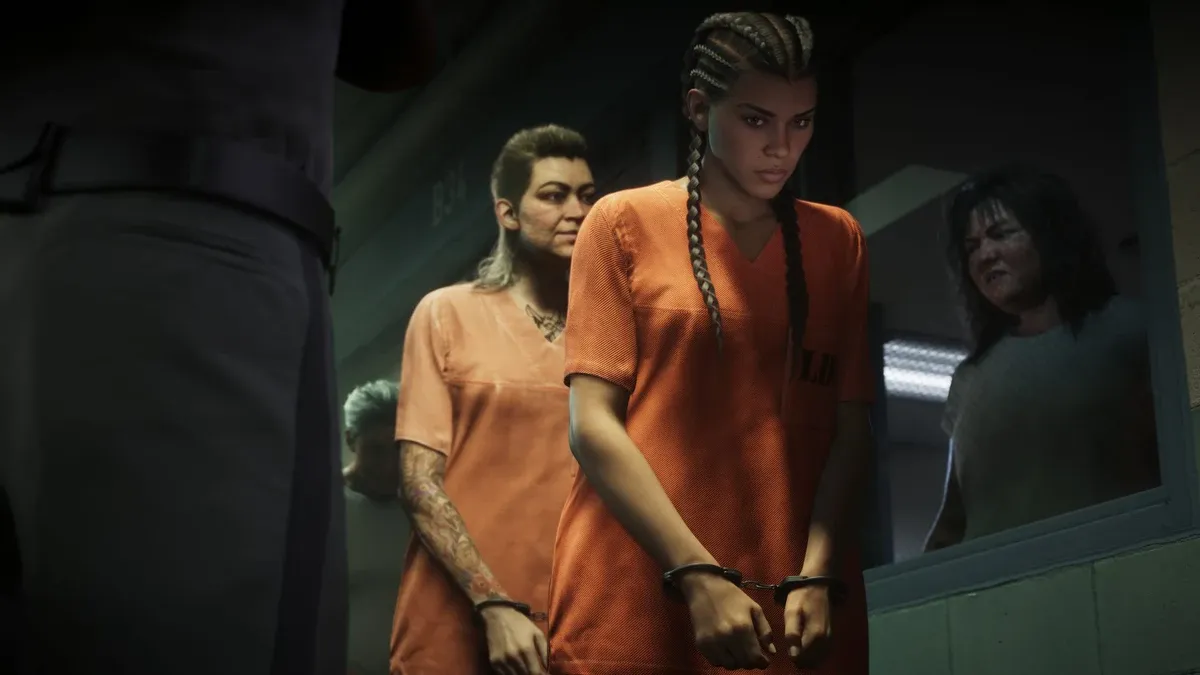
What is GTA 6 rated and why?
The North American ESRB rates Grand Theft Auto VI Mature 17+. Its descriptors include blood and gore, intense violence, mature humor, nudity, strong language, strong sexual content, and drug and alcohol use. If you’re shopping outside the ESRB market, check the rating for the edition sold in your region. The platform guide lists the console versions.
How do you restrict the game on PS5?
- Sign in as the family manager. Go to Settings → Family and Parental Controls → Family Management.
- Select the child account and review its game age limit. Check Allowed Games for an existing exception for GTA 6.
- Set spending controls separately if you also want to limit purchases. Keep the adult account protected and use the child account for the test.
- Switch to the child profile. Check both the store page and the ability to open an installed copy.
How do you restrict the game on Xbox?
Open Xbox Family Settings, select the child profile and set the age filter for content. Review any approved exceptions and purchase options. Return to the Xbox, sign in under the child account and verify that access behaves the way you intended. On a shared console, knowing which profile is active makes more difference than deleting the game tile.
Age filters and spending limits serve different purposes. If the household uses console sharing or Remote Play, also verify which account has access on the other device.
Related Articles
guides
Is GTA 6 on Steam? PC, Price and Steam Deck Status
Check the GTA 6 Steam and PC release status for November 25, 2026, and learn how to verify a store listing, price or Steam Deck compatibility claim.
guides
Who Made GTA 6? Rockstar’s Development and Writing Team
Find out who made Grand Theft Auto VI, what Sam Houser, Rob Nelson and Aaron Garbut did, and how development credits differ from GTA 6’s music credits.
map
GTA 6 Parrot Generator Location: Where to Find the Hidden Cash
Find the talking parrot behind Three Sheets Liquor in Key Lento, locate the vent beside the generator, and tell the hidden cash apart from the safe.
Was this helpful?
Thanks for the feedback!