
How to Change the Time of Day in GTA 6
Change the time of day in GTA 6 by sleeping at a safehouse. Find out what to do when a mission overrides the clock and how Photo Studio affects the shot.
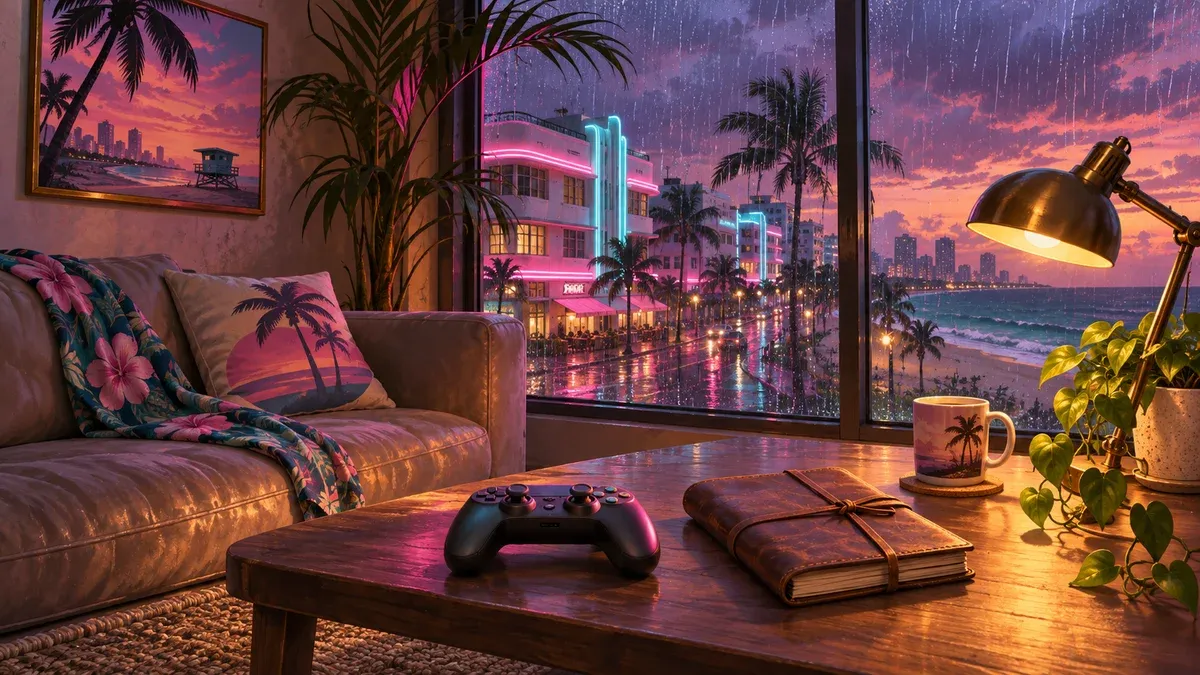
How do you skip to a different time in free roam?
- Finish the current objective or return to free roam.
- Go to a safehouse that your current character can use and walk up to the bed.
- Use the sleep prompt. Pick a wake-up time from the options shown and confirm.
- After waking, go back to the location you wanted to visit. Allow for travel time if your plan depends on arriving around dawn or dusk.
For a nighttime view of Vice City, for example, pick an evening wake-up time and head to the waterfront. If you want to keep a particular point in the story before resting, use a manual save when it is available.
What if a mission requires a different time?
Read the objective at the mission marker. For Clear Skies, the seaplane appointment is in the afternoon. If you arrive outside that window, hold Cross on PS5 or A on Xbox when the wait prompt appears. If there is no prompt on another job, check the current objective in the Index menu. A scripted mission can also advance the clock on its own.
Can you change the lighting for a screenshot?
Open Photo Studio and preview the available effects. A change to the frame or filter changes the saved image. To photograph the open world under actual evening or morning light, use the safehouse first and then travel to your viewpoint.
Why does the bed have no prompt?
Check whether the safehouse is currently accessible to your character and whether an active story objective is restricting the interaction. Return to free roam and try the bed again. If you recently moved to a new home, use the current safehouse shown on your map.
Related Articles
guides
GTA 6 Parents Guide: Age Rating and Console Controls
Understand the GTA 6 ESRB rating and content warnings, set age restrictions and spending controls on PS5 or Xbox, and test them on a child account.
guides
Is GTA 6 on Steam? PC, Price and Steam Deck Status
Check the GTA 6 Steam and PC release status for November 25, 2026, and learn how to verify a store listing, price or Steam Deck compatibility claim.
guides
Who Made GTA 6? Rockstar’s Development and Writing Team
Find out who made Grand Theft Auto VI, what Sam Houser, Rob Nelson and Aaron Garbut did, and how development credits differ from GTA 6’s music credits.
Was this helpful?
Thanks for the feedback!