
GTA 6 Car Tracker Removal: Standard vs Advanced
Learn how to identify a GTA 6 car tracker with WAINK, unlock the Pay ’n’ Spray service, and troubleshoot missing Register or Sell options in story mode.
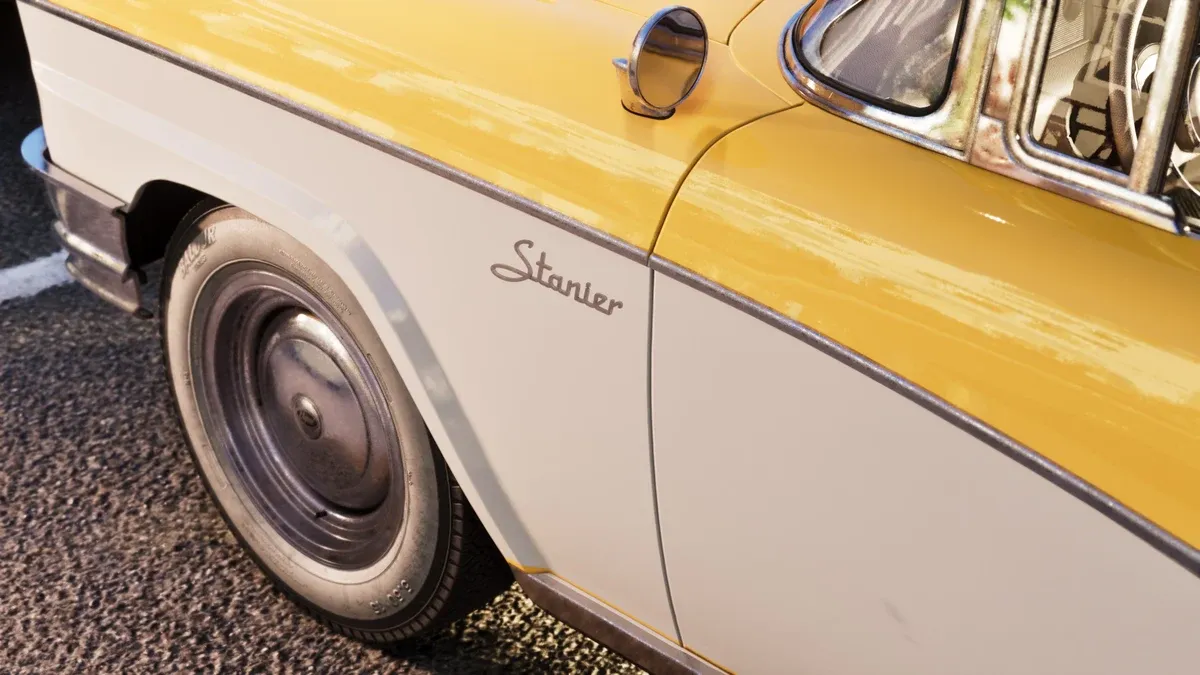
What kind of tracker does your car have?
Open WAINK, frame the car and hold the scan button shown on screen. Read the tracker field, then check the registration fee and resale value. The same body style can be a poor shortcut for picking a car to keep. The scan tells you what the particular vehicle has.
| WAINK result | What to do in story mode |
|---|---|
| No Tracker | Talk to Moses after his Chapter 2 registration service opens. |
| Standard Tracker | Finish Welcome to Vice City and look for Moses’s message about Pay ’n’ Spray. |
| Advanced Tracker | Follow Randy’s jobs through the Mamba GT delivery and look for his follow-up call. |
How do you register a car with a Standard Tracker?
- Finish Welcome to Vice City in Chapter 3 and check your messages for the shop unlock.
- Scan an eligible car and compare the registration fee against your cash. Check for an unused slot in your personal vehicle garage.
- Drive to Pay ’n’ Spray and choose Register when it appears. If the shop offers paintwork separately, keep going until the registration action is complete.
- Reopen your vehicle list to see whether the car is registered. Choose Sell only when you want to give up the vehicle.
How do you deal with an Advanced Tracker?
The Chapter 3 unlock for Standard Trackers is only the first milestone. Finish Randy’s vehicle requests through the ’64 Declasse Mamba GT job, then wait for his follow-up. Return to the shop and check the services offered for the individual car. Use the displayed Register option if you want to keep it, or Sell if you want the payout. If the actual screen lists only one of those choices, treat it as the available service for that car.
A Key Cloner helps you enter a keyless car. Registration is the separate step that matters for ownership. On a tracked car, plan your in-game route to the shop or the assigned delivery marker before moving it. If the shop menu is missing, put the car in the marked service area, recheck the scan result, and confirm the job and follow-up call were completed. If the option appears but is disabled, check garage capacity and the price shown for that vehicle.
Related Articles
guides
GTA 6 Parents Guide: Age Rating and Console Controls
Understand the GTA 6 ESRB rating and content warnings, set age restrictions and spending controls on PS5 or Xbox, and test them on a child account.
guides
Is GTA 6 on Steam? PC, Price and Steam Deck Status
Check the GTA 6 Steam and PC release status for November 25, 2026, and learn how to verify a store listing, price or Steam Deck compatibility claim.
guides
Who Made GTA 6? Rockstar’s Development and Writing Team
Find out who made Grand Theft Auto VI, what Sam Houser, Rob Nelson and Aaron Garbut did, and how development credits differ from GTA 6’s music credits.
Was this helpful?
Thanks for the feedback!